

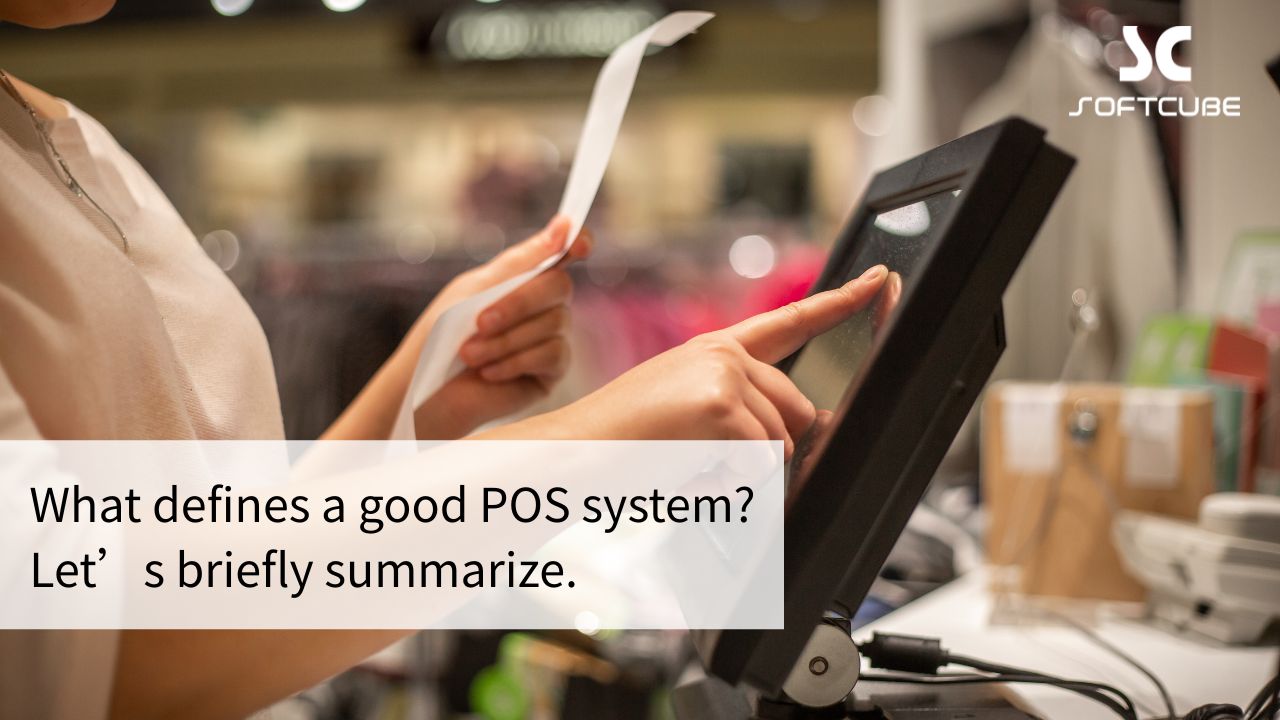
A good POS system is much more than a tool for ringing up sales. For retail and service businesses across Ontario, it is the central nervous system of daily operations. It processes transactions quickly and accurately, and, more importantly, it delivers business insight, streamlines operations and helps your business grow.
Key Features of a Good POS System
1. Powerful, Stable Core Functions
Fast, smooth checkout
- An intuitive interface and logical button layout, so staff learn it quickly.
- Fast product lookup by barcode, name, category or initials.
- Support for, and fast processing of, many ways to pay, such as cash, Interac Debit, credit cards, Apple Pay, Google Pay, gift cards and loyalty points.
- Flexible handling of discounts (whole order, single item, member pricing), promotions (gift with purchase, spend-and-save, bundles) and returns and refunds.
- Stable and reliable, without crashes or lag, especially at peak times.
Accurate, efficient inventory management
- Real-time stock tracking: sales, returns, receiving and transfers update stock levels instantly.
- Purchasing and stock control: purchase orders, goods receiving, supplier management and stocktakes.
- Multi-warehouse and multi-store management: check and transfer stock across locations.
Comprehensive reports and analysis
- Sales reports: analyze sales by day, week, month or year, and by product, staff member or tender type.
- Inventory reports: stock turnover, best-sellers and inventory analysis.
- Staff performance reports: sales results, transaction counts and more.
- Customer spending analysis: average spend per customer, repeat purchase rate and more.
- Visual dashboards: charts and dashboards that make your business status easy to understand at a glance.
- Data export: for deeper analysis or connection with your accounting system.
2. Better Customer Experience and Loyalty
Complete membership management
- Detailed customer profiles, including purchase history and preferences.
- Flexible loyalty point rules (points for purchases and for campaigns) and redemption options.
- Membership tiers with different benefits, such as discounts, birthday gifts and exclusive events.
- Stored-value and prepaid account management.
Built-in marketing tools
- Targeted marketing based on member data, such as text messages and digital coupons.
- Easy promotion setup and performance tracking.
Faster checkout
- Shorter waiting times for customers in line.
Customer history lookup
- See a customer’s past purchases instantly and offer personalized service.
3. More Efficient Operations at Lower Cost
Staff management
- Staff scheduling, with optional time clock integration.
- Role-based permissions, so cashiers, store managers and warehouse staff each have the right level of access.
- Commission calculation, where applicable.
Simpler workflows
- Automate repetitive work such as generating reports.
Fewer human errors
- Automatic calculation of totals and discounts reduces cashier mistakes, and accurate stock data reduces shrinkage and stock-outs.
Time savings
- Fast checkout, efficient stocktakes and one-click reports.
4. Flexibility and Scalability
- Multiple devices: runs on traditional registers, all-in-one touchscreens, tablets and phones.
- Cloud deployment: the mainstream choice, with secure data backup, access from anywhere (internet required), central management of multiple stores and automatic updates.
- On-premises deployment: suitable where internet is unreliable or data must be kept on site.
- Strong API: integrates easily with other systems such as ERP, e-commerce platforms, booking systems and supply chain systems.
- Modular design: add modules such as appointments, back-office management or an online store as your business grows.
- Industry fit: designed to suit different industries such as retail, beauty and hair salons, fashion and convenience stores, or offered as industry-specific solutions.

5. Security and Reliability
- Data security: encryption protects transaction, customer and financial data, in line with industry security standards.
- Stable operation: a stable system with minimal downtime, and high availability for cloud systems.
- Backup and recovery: regular automatic backups and a disaster recovery plan to prevent data loss.
- User access control: strict control over what data each person can see and what they can do.
6. Hardware Compatibility and Ease of Use
- Broad hardware support: works with mainstream barcode scanners, receipt printers, cash drawers, customer displays, card terminals and electronic scales.
- Easy setup and maintenance: installation, configuration and day-to-day maintenance should be as simple as possible.
- Great user experience: a friendly interface and clear logic mean shorter staff training.
7. Quality Customer Support and Service
- Timely technical support: phone, live chat and email support to resolve questions and system issues quickly.
- Complete training materials: clear user manuals, video tutorials and online help documents.
In Short, a Good POS System Should Be:
- An efficient, stable core engine: smooth transactions and accurate data.
- A smart data brain: deep insight that drives better decisions.
- A connected hub: seamlessly linking online and offline, front and back office, and different business systems.
- A customer experience booster: managing member relationships and improving service efficiency.
- A growth accelerator: optimizing operations, cutting costs and uncovering growth opportunities.
- A secure, reliable foundation: protecting your data and transactions.
- A flexible, scalable platform: growing together with your business.
When choosing a POS system, evaluate it against your own industry, size, workflows and future plans to find the solution that fits best. Don’t focus only on price. Consider the long-term value and return on investment it will bring.
Learn more about Softcube’s Retail POS System, or contact our Toronto team for advice on the right setup for your business.