


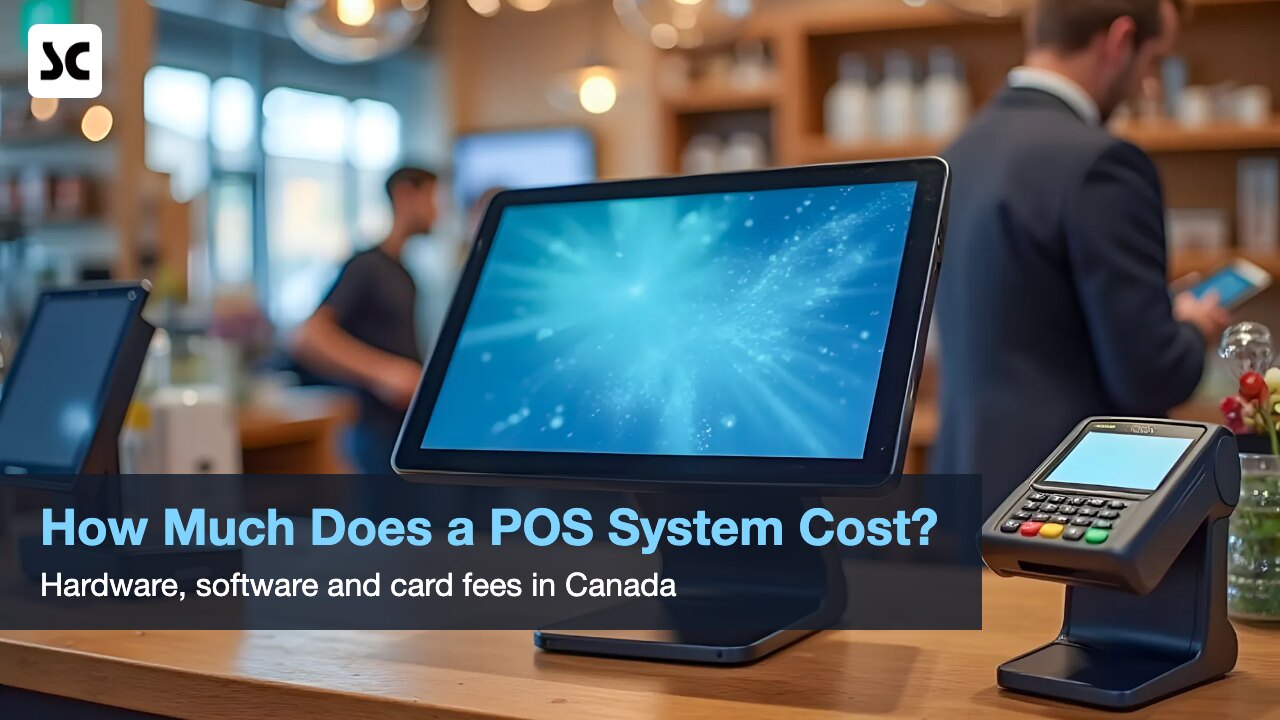
If you are opening a shop, salon or restaurant in Toronto, one of the first questions is the real POS system cost in Canada. The honest answer is that there is no single price tag. What you pay depends on the hardware you need, how the software is licensed, and, above all, the payment processing fees you will pay on every card sale for years.
What Makes Up the POS System Cost in Canada
Most quotes can be sorted into five parts: hardware, software, payment processing, setup and ongoing support. Prices change often and vary by vendor, so rather than quoting figures, we show what pushes each part up or down.
1. POS Hardware Costs
A typical counter setup includes some or all of the following:
- Terminal or touchscreen: an all-in-one POS station, a PC with a touch monitor, or a tablet.
- Receipt printer: usually a thermal printer, plus paper rolls as an ongoing expense.
- Cash drawer: connected to the printer so it opens only when a sale is completed.
- Barcode scanner: essential for retail and grocery, optional for most salons.
- Card terminal: accepts Interac Debit, credit cards and mobile wallets.
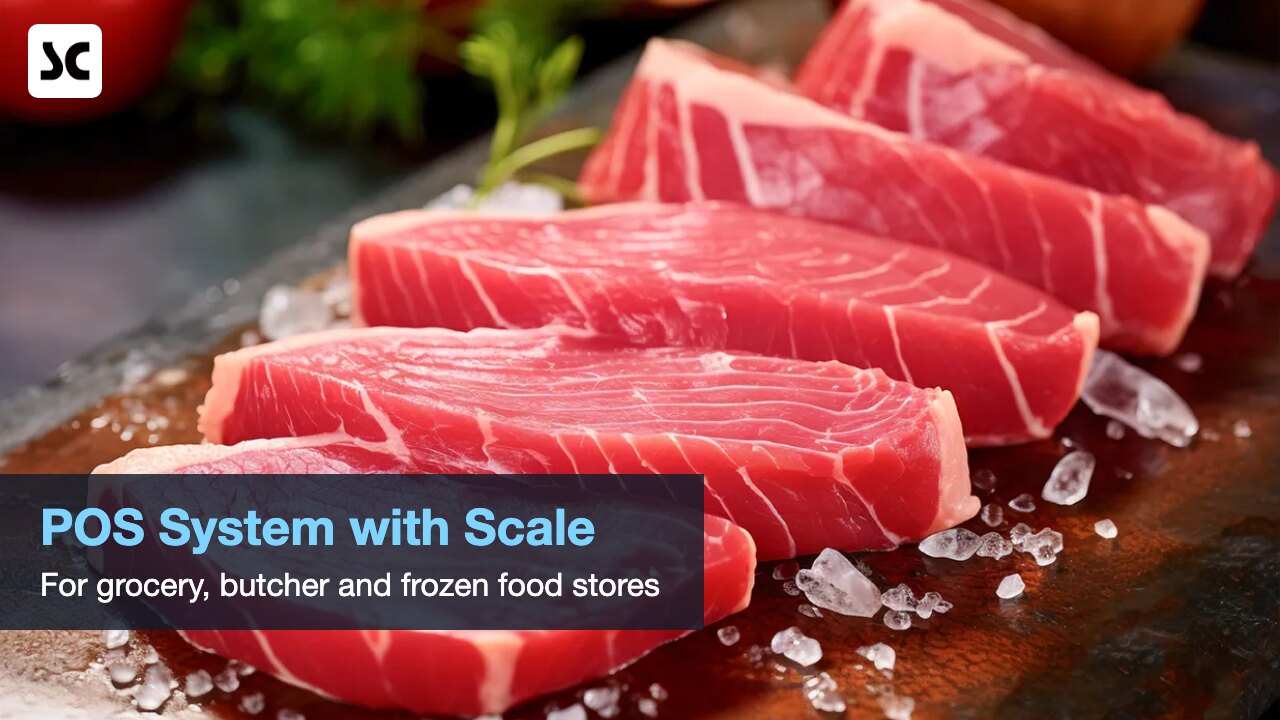
- Electronic scale: needed if you sell produce, meat or other items by weight.
Hardware cost rises with each extra checkout station, commercial-grade equipment and specialised devices such as scales. It falls if you reuse equipment you own, start with one station, or pick software that runs on standard hardware instead of proprietary devices.
2. Software: Monthly Subscription vs One-Time Licence
Most cloud POS systems charge a monthly subscription: low upfront cost and updates included, but you pay for as long as you use it. A one-time licence costs more at the start, and you may pay separately for annual support or major upgrades.
Whichever model you choose, these factors move the software price:
- Number of terminals: many plans charge per register or per device.
- Number of locations: multi-store reporting and shared inventory often cost more.
- Add-ons: online booking, loyalty and member wallets, inventory, e-commerce or accounting links.
3. Payment Processing Fees: Often the Biggest Cost
Over a few years, card fees often add up to more than hardware and software combined. Typically, Canadian small businesses pay an effective rate of roughly 1.5% to 3.5% per card transaction, depending on card mix and plan. Rates vary by processor, so ask for a written breakdown.
Flat-Rate vs Interchange-Plus Pricing
Flat-rate pricing charges the same percentage on most card sales, typically around 2.6% to 2.9%. It is simple to understand and easy to budget, which suits new or low-volume businesses.
Interchange-plus pricing passes through the actual interchange fee set by Visa or Mastercard for each card, plus a fixed processor markup. Statements are harder to read, but at higher volume it is often cheaper, because lower-cost cards and interchange cuts reach you directly.
Interac Debit vs Credit Cards
Interac Debit is usually far cheaper than credit, typically a few cents per transaction rather than a percentage. Interac itself does not bill merchants; your processor sets the debit fee. If many customers pay by debit, as in grocery, this matters a lot.
Recent Fee Changes for Canadian Small Businesses
Under a 2024 agreement with the federal government, Visa and Mastercard lowered in-store domestic consumer credit interchange for eligible small businesses to a weighted average of 0.95%. Interchange is only one part of what you pay, so check that your processor actually passes the saving on.
According to the CFIB, from October 24, 2026 Visa extends its small-merchant rate to businesses with up to $750,000 in annual Visa sales, up from $300,000, while Mastercard’s threshold stays at $175,000. Both networks are also adding a new fee of 1.8 US cents per domestic transaction, Mastercard now and Visa from April 2027, which processors may pass on to merchants.
You can read the details in this CFIB update on interchange fees.
4. Setup, Data Import and Training
Some vendors ship a box and leave the rest to you; others install on site. Ask whether the quote covers setting up your product list, importing existing data, connecting the card terminal and printers, and training staff. Time spent figuring it out yourself is also a cost.
5. Ongoing Support and Updates
Check the support hours, whether help is local or overseas, and whether phone support, software updates and hardware repairs are included or billed separately.
Hidden POS Costs to Ask About
- Contract length: multi-year contracts can lock you into today’s rates.
- Terminal rental: over several years, rental can cost far more than buying.
- Per-transaction fees: a fixed charge per sale adds up fast for small-ticket businesses.
- PCI fees: some processors charge PCI compliance or non-compliance fees.
- Cancellation fees: early termination charges, equipment return rules and liquidated damages.
- Chargeback and data export fees: charges for disputes, or for taking your data with you.
Checklist: Questions to Ask Every POS Vendor
- What is the total upfront cost, and what exactly is included?
- Is the software a subscription or a licence, and what happens to my data if I stop paying?
- Is pricing per terminal, location or user, and which add-ons will I need?
- Is processing flat-rate or interchange-plus, what is my estimated effective rate, and what do you charge for Interac Debit?
- Do I buy or rent the card terminal, and can I use my own processor?
- How long is the contract, and what does it cost to cancel?
- Are setup, data import and on-site training included?
- What are your support hours, and is the support team local?
- Do receipts and reports handle Ontario’s 13% HST correctly?
How to Choose the Cheapest POS System That Still Fits
The cheapest POS system for a small business in Canada is rarely the one with the lowest monthly fee. Compare the total cost of ownership over three years instead:
- List the features you truly need today, and the ones you expect within three years.
- Add up all hardware, including spare paper, extra stations and any scale.
- Multiply the monthly software and add-on fees by 36 months.
- Estimate processing fees using your real sales volume and debit versus credit mix.
- Add setup, training and the cost of leaving, such as cancellation and data export fees.
- Compare the three-year totals side by side, not the first-month price.
Also count costs that never appear on an invoice: checkout errors, slow lines and hours of manual stock counts. The best POS system for a small business in Canada is the one that fits your workflow at a total cost you can predict.
For a feature-by-feature approach, see our guide on how to choose the best POS system for your business.
How Softcube Helps Keep Your POS Costs Predictable
Softcube Canada has helped more than 500 businesses since 2008, and our MePOS systems are designed to avoid the hidden costs above:
- Integrated payment terminals: the amount goes from the POS to the terminal, so staff never re-key it and keying errors are avoided.
- On-site setup and training: our Toronto team installs the system and trains your staff as part of the project.
- Excel import: existing product and member data can be imported from Excel.
- Local support: help from Toronto, Monday to Friday, 9 a.m. to 6 p.m. Eastern Time.
- HST-ready receipts: receipts and reports support Ontario’s 13% HST.
If you sell by weight, our supermarket and frozen food POS connects to electronic scales so weighed items are priced at checkout.
POS System Cost FAQ
What is the cheapest POS system for a small business in Canada?
It depends on your business. A system with a low monthly fee can become expensive through high card rates, terminal rental or add-ons. Compare three-year totals using your own sales volume and card mix.
Is interchange-plus always cheaper than flat-rate?
Not always. Interchange-plus is often cheaper at higher volume, while flat-rate can suit very small or seasonal businesses that value simple, predictable statements.
Will the new Visa small-merchant rate lower my fees automatically?
Not necessarily. On interchange-plus, lower interchange should show up on your statement; on flat-rate, you may need to ask your processor to review your rate.
Get a Clear, Written POS Quote
Every business is different, so Softcube does not publish one-size-fits-all pricing. Tell us about your store and the number of stations, and we will prepare a clear quote with no surprises.
To get started, contact us for a quote or book a free demo.

Leave a Reply