

In an age of fast-moving digital technology, hair salon owners face an important question about how to modernize. Moving from a handwritten appointment book to a digital hair salon booking system is not just a technical upgrade; it is a key strategy for improving service quality. In this article, we look at why a booking system matters and how to put one in place.
The Challenges of Traditional Salon Booking
The Limits of a Paper Appointment Book
Many salons still record appointments in a handwritten book, and this comes with real limitations. Information is hard to update in real time, so last-minute changes easily cause confusion. The book can be damaged or lost, putting your records at risk of being gone for good. Most importantly, a paper book offers no data analysis, so business decisions lack a reliable basis.
Human Error and Communication Gaps
Handwritten bookings are prone to human error, such as overlapping times or the wrong date. During busy periods, staff may miss important details and service quality suffers. Communication between team members is harder too, especially at shift changes, when information easily falls through the cracks.
The Advantages of a Digital Booking System
Greater Efficiency
A digital booking system can greatly improve how efficiently your salon runs. It handles bookings, confirmations and reminders automatically, cutting down on manual work. This frees staff to focus on great service.
A Better Client Experience
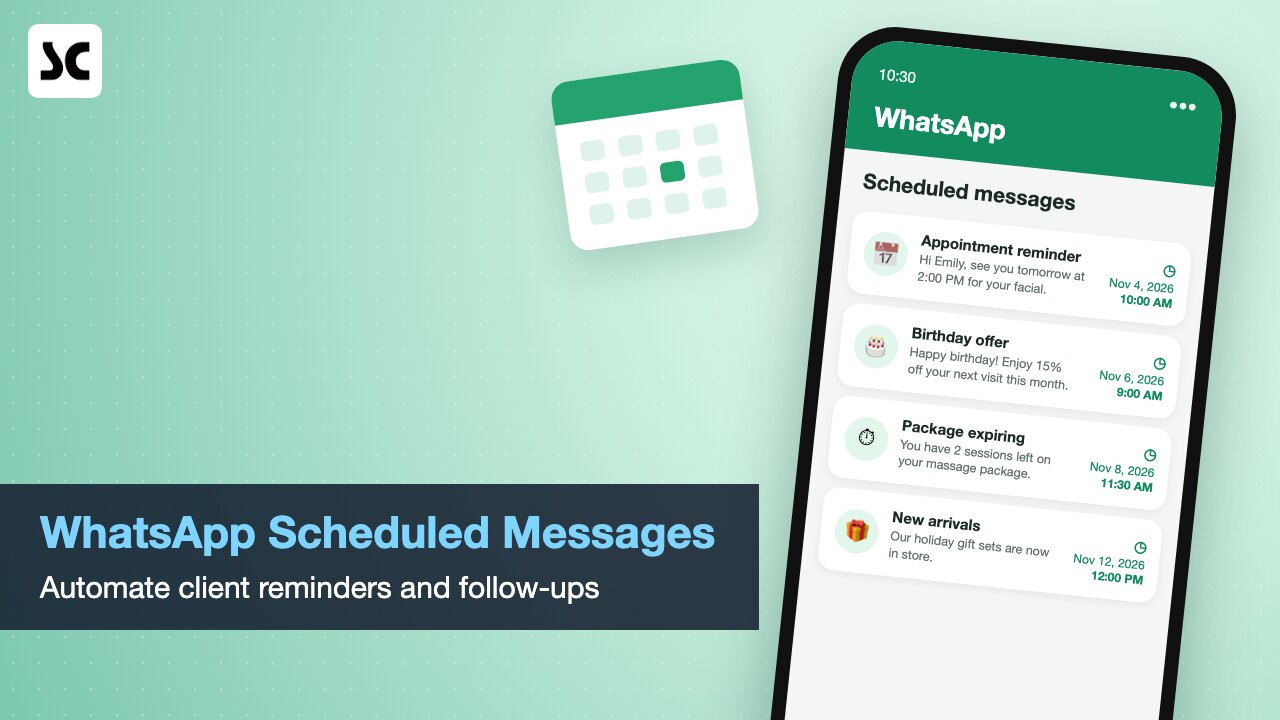
Today’s clients expect booking to be easy. A digital system offers 24/7 online booking, so clients can check available times and choose their favourite stylist whenever they like. The system also sends automatic reminders, reducing no-shows and increasing client satisfaction.
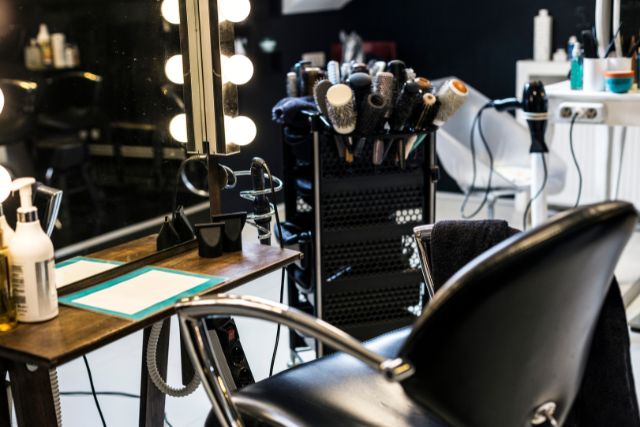
Online and walk-in bookings on one calendar
A useful hair salon booking system puts every appointment on one calendar, whether the client booked on your web page at midnight, phoned the front desk or walked in. Softcube’s salon appointment sheet books stylists and equipment together, so a colour service that needs a processor is not double-booked with another chair. Clients choose the service, preferred stylist, date and time on a dedicated booking page and receive a confirmation email automatically. Walk-ins are added to the same schedule, so the front desk sees gaps and filled slots in one view. Stylists can open their own bookings on a device and call clients when a reminder helps. That single calendar is what searchers mean by salon scheduling software—not a paper book plus a separate online form that never matches.
Core Features of a Hair Salon Booking System
Online Booking Management
- Real-time booking status updates
- Automatic booking confirmations
- Flexible time slot management
- Multi-platform support (web and mobile app)
- A built-in client database
Client Records
Good client records are essential for any hair salon. The system can store:
- Client personal details
- Purchase history
- Hairstyle preferences
- Products used
Staff Scheduling
Built-in staff scheduling helps you make the best use of your team:
- Automatic scheduling suggestions
- Time-off request handling
- Working hours tracking
- Performance tracking
How to Introduce a Booking System
Choosing the Right System
When choosing a booking system, consider the following:
- System stability
- A user-friendly interface
- A complete set of features
- Reasonable pricing
- Technical support
Staff Training
The key to a successful rollout is getting your team on board:
- A phased training plan
- Hands-on practice
- A clear process for solving problems
- Ongoing feedback and improvement
What to look for before you switch
When you compare a salon booking system in Canada, check more than a pretty calendar: Can clients pick a stylist? Are equipment and chairs protected from clashes? Do reminders and confirmations reduce no-shows without manual texting every night? Can the same system take retail product and package sales at checkout so the appointment and the ticket stay linked? Softcube’s hair salon and barber shop system combines the appointment sheet with stylist commission, package redemption (including tablet signatures) and inventory updates. Existing member and product lists can be imported from Excel; most salons go live in about 1 to 2 weeks after signing, with on-site setup from the Toronto team. Software is available as a monthly subscription or one-time purchase; hardware is quoted separately. For the full feature checklist, see Softcube’s hair salon software Canada guide and the hair salon / barber shop system page.
Conclusion
The move to digital booking in hair salons is a trend that won’t be reversed. The right system improves efficiency and gives clients a better experience. Some in the industry talk about smarter tools, but the first step is getting booking, confirmations and a single schedule right.
Frequently Asked Questions
What is a hair salon booking system?
Software that lets clients book services online, shows stylists’ availability on one calendar and records the appointment for the front desk—often with confirmations and reminders to reduce no-shows.
Can clients choose their stylist when they book online?
Yes. On Softcube’s booking page, clients pick the service, preferred stylist, date and time, then receive a confirmation email.
Can walk-ins and online bookings share one schedule?
Yes. Walk-ins are added to the same appointment sheet as online bookings so the team sees one view.
Does the calendar book equipment as well as stylists?
Yes. Softcube’s appointment sheet can book stylists and salon equipment together so the same device is not double-booked.
How do you pay for Softcube’s salon booking / salon system?
It is available as a monthly subscription or a one-time purchase; hardware is quoted separately.
How do I keep client data secure?
Choose a system that complies with Canadian privacy laws, stores data with encryption and updates its security measures regularly.
What about older clients who aren’t comfortable booking online?
Keep phone booking available and have staff enter those appointments into the system. A simple how-to guide also helps.
For full details of our booking features, see the Softcube hair salon and barber shop management system or contact our Toronto team for a demo.