

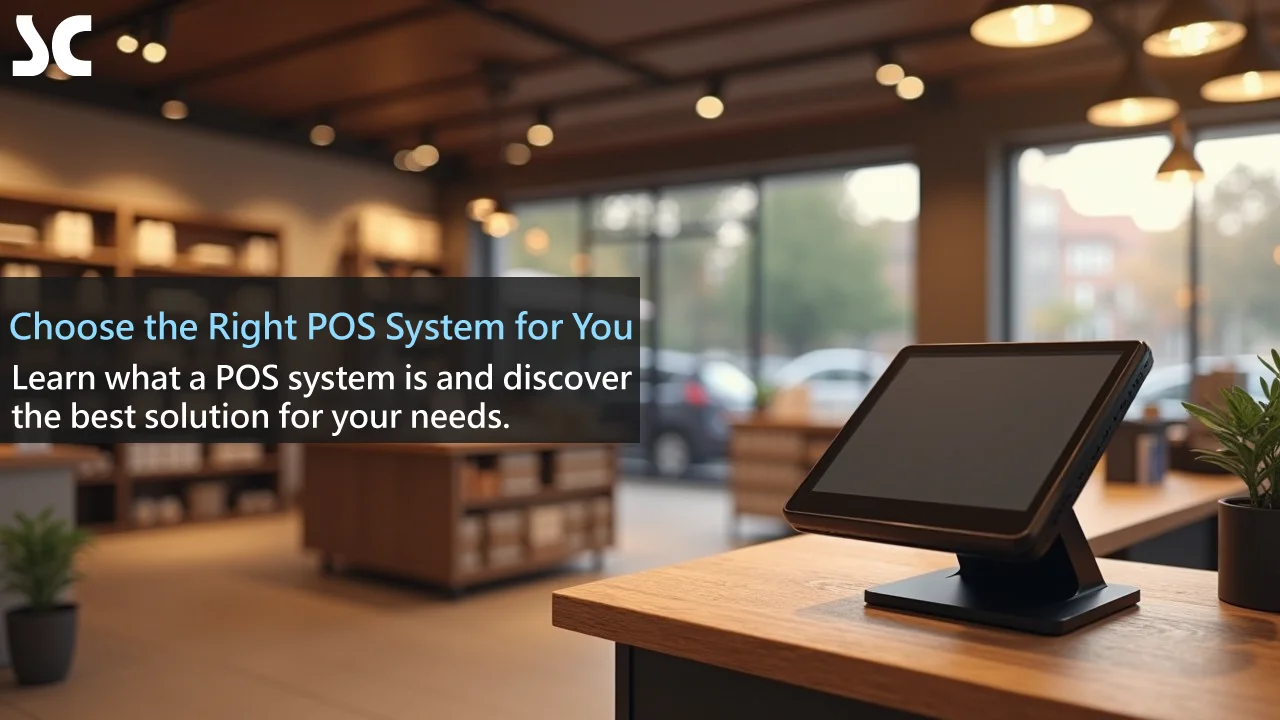
Understanding the Basics of a POS System
In today’s competitive market, an efficient and reliable point of sale (POS) system is critical to success. Whether you run a small café or a large retail chain, knowing how to choose a POS system can feel complex, yet it is one of your most important decisions. This guide walks you through every step so you can find the best fit for your business.
Before you start comparing options, it helps to understand what a POS system is, what it does and why it matters.
What Is a POS System?
A POS (point of sale) system is a complete technology solution for managing sales. It is much more than a cash register: it combines hardware and software to handle the entire sale, from scanning products to completing checkout.
The touchscreen device you see at the counter of a modern store is the heart of the POS, but it does far more. Think of it as the nerve centre of your business, connecting inventory, customer data and sales reports.
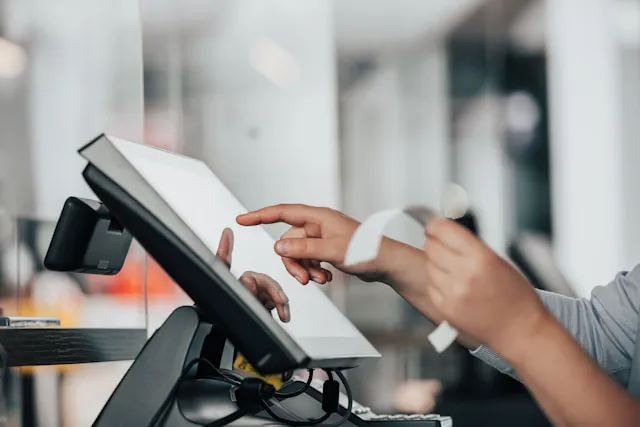
Core Functions of a POS System
A modern POS goes well beyond processing sales. Core functions include:
- Transactions: process sales quickly and accurately, with many ways to pay
- Inventory: track stock levels in real time and get automatic reorder alerts
- Customers: record customer details and purchase history, and run membership programs
- Reports and analytics: detailed sales reports that show how your business is performing
- Staff: track employee hours and performance
- Multichannel: connect online and in-store sales seamlessly
Together, these features help you run your business more intelligently and efficiently.
Why a POS System Matters
Think of your business as a ship. Your POS is its navigation, radar and engine controls in one: it helps you set your course through data, read conditions such as market trends and control your speed through operational efficiency.
Without it, you can lose your way or miss opportunities. With it, you can:
- Work more efficiently: automate daily tasks and save time and labour
- Decide better: make informed decisions based on real-time data
- Improve the customer experience: speed up checkout and personalize service
- Reduce errors: minimize human mistakes and improve accuracy
- Grow: uncover new opportunities through in-depth analysis
In short, the right POS system can be a key driver of your success.
Assess Your Business Needs
With the basics covered, the next step is to assess your own needs. Different types and sizes of business need different POS solutions.
Consider Your Type of Business
Your type of business shapes what you need from a POS. For example:
- Restaurants may need ordering, table management and bill splitting.
- Retail stores may focus on inventory management and multichannel sales.
- Service businesses may need appointment booking and customer relationship management (CRM).
Like a tailored suit, a POS system should be chosen and configured to fit your business.
Identify the Features You Need
List the features that are essential to your business. These may include:
- Basic sales functions
- Inventory management
- Customer management
- Reports and analytics
- Staff management
- Multi-location management (if you have more than one site)
- Online order integration
- Loyalty points programs
- Promotions and discount management
You do not need every bell and whistle. As with a smartphone, the best choice is the one that fits how you actually work, not the one with the most features.
Budget Considerations
Budget matters, but do not simply look for the cheapest option. Consider the total cost of ownership (TCO), including:
- Upfront purchase or subscription fees
- Hardware costs
- Installation and setup fees
- Training costs
- Ongoing maintenance and support
- Potential upgrade costs
Treat your POS as a long-term investment. A strong system may cost more at first but can save you more and deliver better returns over time.
Types of POS Systems
Once you know your needs, look at the main types of POS on the market. Each has strengths and weaknesses for different situations.
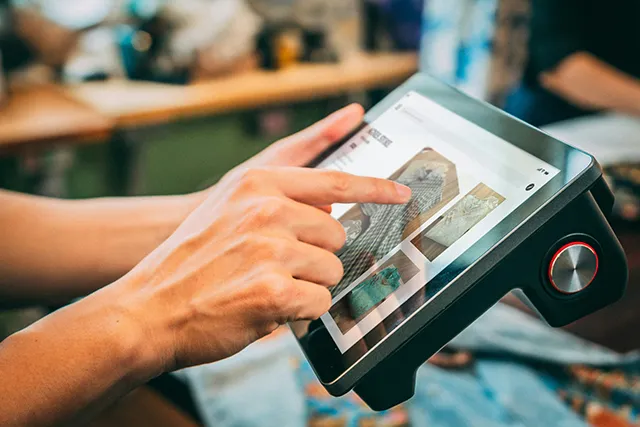
Traditional POS Systems
A traditional POS usually runs on a local server, with all data and software stored on site.
- Pros: works without an internet connection, keeps data secure and runs fast
- Cons: high upfront cost, complex upgrades and maintenance, and little flexibility
A traditional POS is like a solid castle: safe and reliable, but hard to change or expand.
Cloud POS Systems
A cloud POS stores data in the cloud, so you can access it over the internet.
- Pros: low upfront cost, easy upgrades and maintenance, remote access and multi-store management, and automatic backups
- Cons: relies on an internet connection, and some owners have data security concerns
A cloud POS is like a flexible tent: easy to set up and move, but less sturdy than a castle in bad weather, such as an internet outage.
Mobile POS Systems
A mobile POS usually runs on a tablet or smartphone and offers maximum flexibility.
- Pros: highly portable, ideal for mobile sales or large venues, and usually lower cost
- Cons: features may be more limited, and it depends on battery life and connectivity
A mobile POS is like a Swiss Army knife: compact and versatile, but it cannot replace every specialist tool.
The right type depends on your needs. A food truck that is always on the move may suit a mobile POS, while a large retail chain may be better served by a cloud POS for multi-store management.
Key Factors When Choosing a POS System
Once you know which type suits you, weigh these key factors to make sure the system truly meets your needs and adds value.
Ease of Use and Training
A good POS should be intuitive, with a short learning curve. Time is money, and you do not want to spend weeks training staff. Ask:
- Is the interface clear and intuitive?
- Is a Chinese-language interface available for bilingual teams?
- Does the vendor provide thorough training?
- Are there detailed user manuals or online tutorials?
Even the most powerful tool is useless if nobody can use it. An easy system cuts training time and cost.
Hardware Compatibility
Make sure the POS works with the hardware you have or plan to buy, such as:
- Cash drawers and registers
- Barcode scanners
- Receipt printers
- Customer displays
- Card readers for Interac Debit and credit cards
Hardware compatibility is like a jigsaw puzzle: every piece must fit. Incompatible hardware can stop the system working properly or force costly replacements.
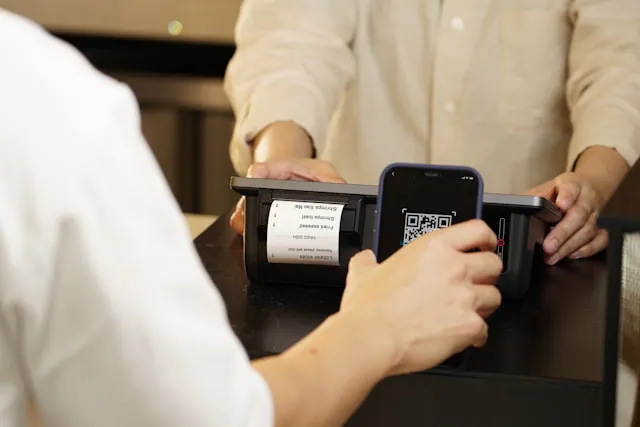
Software Integration
Most businesses use several software tools. Your POS should integrate smoothly with them, including:
- Accounting software
- Customer relationship management (CRM) systems
- E-commerce platforms
- Inventory management systems
- Staff scheduling software
See your POS as the hub of your business ecosystem. Strong integration lets data flow freely between systems and lifts overall efficiency.
Security and Compliance
Security is critical when you handle sensitive financial and customer data. Your POS should meet current security standards and industry rules. Look for:
- Data encryption
- PCI DSS compliance, the card industry’s data security standard
- User access controls
- Regular security updates
Think of your POS as your business’s safe. It must be strong enough to withstand potential threats.
Customer Support and After-Sales Service
Even the best system can have occasional problems, and when they happen you need help fast. Check the vendor’s support:
- Is support available 24/7?
- Which channels are offered (phone, email, live chat)?
- How quickly do they respond?
- Is there local support in your language?
Good support is like insurance. You may not use it often, but when you need it, it is invaluable.
Comparing and Evaluating POS Vendors
Next, compare and evaluate vendors. It takes time and patience, but it is worth it to find the right solution.

Research the Main Vendors
Start with a list of the main POS vendors. Good sources include:
- Industry reports and review sites
- Recommendations from other business owners
- Trade shows and seminars
- Online searches
Build a comparison table of each vendor’s main features, strengths and weaknesses. It is a bit like matchmaking: get to know each candidate to see who suits you best.
Read User Reviews and Case Studies
Reviews and case studies show how a system performs in real life. Focus on:
- Reviews from businesses in your industry
- The system’s strengths and weaknesses
- The quality of customer support
- Reliability and stability
No system is perfect. Look for one that meets most of your needs, with drawbacks you can live with.
Ask for a Demo and Trial
Always try the system yourself before deciding. Most vendors offer a demo or a free trial. During it:
- Test every key feature
- Judge how easy it is to use
- Check how quickly it responds
- Try integrating it with your existing systems
Treat it like a test drive. Just as with a car, you need to try it to know whether it really suits you.
Implementing and Optimizing Your POS System
Once you have chosen a system, the next challenge is to roll it out smoothly and keep improving it to get the most value.
Create an Implementation Plan
A new POS is a major change that needs careful planning. Your plan should include:
- A timeline
- A data migration strategy
- A hardware installation plan
- A staff training schedule
- A risk assessment and contingency plan
Think of the rollout as a well-rehearsed show, where every part is planned so everything runs smoothly.
Train Your Staff
A new system succeeds or fails with the people who use it. Give everyone involved thorough training, covering:
- Basic operations
- Advanced features
- Troubleshooting
- Security practices
Consider a train-the-trainer approach: train a core group first, then let them train everyone else. Knowledge spreads naturally through your team.
Keep Optimizing and Updating
Implementing a POS is not a one-off task but an ongoing process. Review performance regularly, gather feedback and adjust as needed:
- Track key performance indicators (KPIs)
- Check for new features and updates regularly
- Keep collecting feedback from staff and customers
Your POS is a living system. With ongoing attention, it will grow and improve along with your business.
Conclusion
Choosing a POS system is a complex but critical decision. It means assessing your needs carefully, understanding the different types of POS and weighing factors such as ease of use, security and integration.
There is no one-size-fits-all answer. The best POS meets your specific needs, supports your current operations and scales as you grow. Follow the steps in this guide and do your research, and it will become the foundation of your digital transformation, improving efficiency, customer experience and growth.
Choosing a POS is a journey, not a destination. As technology and your business evolve, keep reviewing your choice and stay open to new opportunities. In the end, a POS is a tool: real success comes from how you use it to serve customers, streamline operations and reach your goals.

Frequently Asked Questions
Does a small business need an expensive POS system?
Not necessarily. There are many affordable POS options for small businesses, especially cloud and mobile systems. The key is to find one that covers your core needs without overstretching your budget.
How do I keep my POS data secure?
Choose a PCI DSS-compliant system, make sure data is encrypted, enforce strong passwords, update the system regularly and train staff on security. Firewalls and antivirus software add another layer of protection.
Can I use my existing hardware with a new POS?
It depends on your hardware and the new system. Many modern POS systems work with a wide range of devices, but confirm compatibility with the vendor before you decide. Some upgrades may be needed.
How long does it take to implement a new POS?
It depends on the system’s complexity and the size of your business. A small business may need only a few days, while a large chain may need weeks or months. Make a detailed plan and leave buffer time for surprises.
How do I measure the ROI of a POS system?
Look at several areas and compare them with your results before the switch:
- Efficiency gains, such as shorter checkout times
- Fewer manual errors
- Better inventory management, such as faster stock turnover
- Higher customer satisfaction
- Sales growth
- Improved staff productivity
Ready to find the right POS for your Ontario business? Explore our retail POS system, browse all industry solutions, or contact our Toronto team for a free demo.